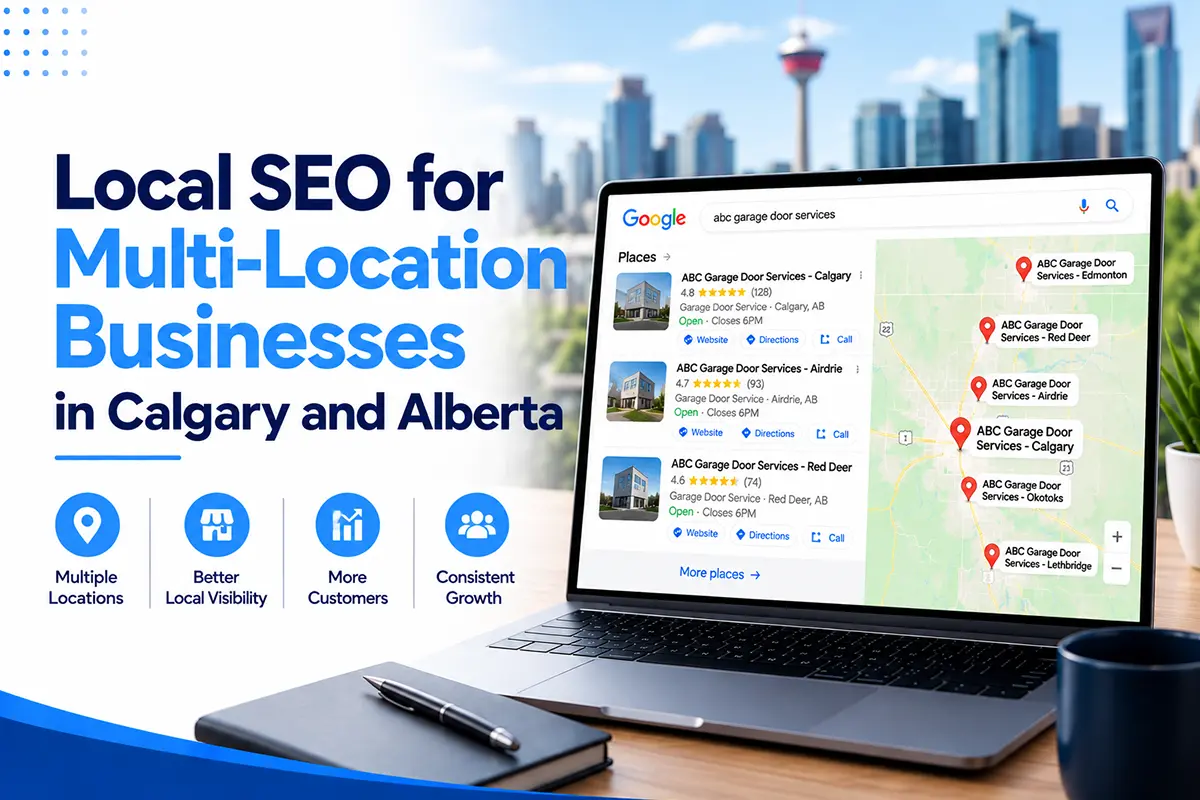
Local SEO for a multi-location business means giving every location its own verified Google Business Profile, its own page on your website, its own reviews and its own tracking, while keeping your brand details consistent everywhere. Google ranks each location separately, using relevance, distance and prominence, so one strong location does not lift the others.
This guide explains how to set that up in Calgary and across Alberta. It covers which locations Google allows, how to build location pages that rank without breaking Google’s spam rules, how to handle reviews and tracking for each branch, and what changes when your locations are in different cities. ClickSync Marketing has delivered more than 100 projects for businesses in Calgary and Alberta, and the examples here come from that work.
What is local SEO for multi-location businesses?
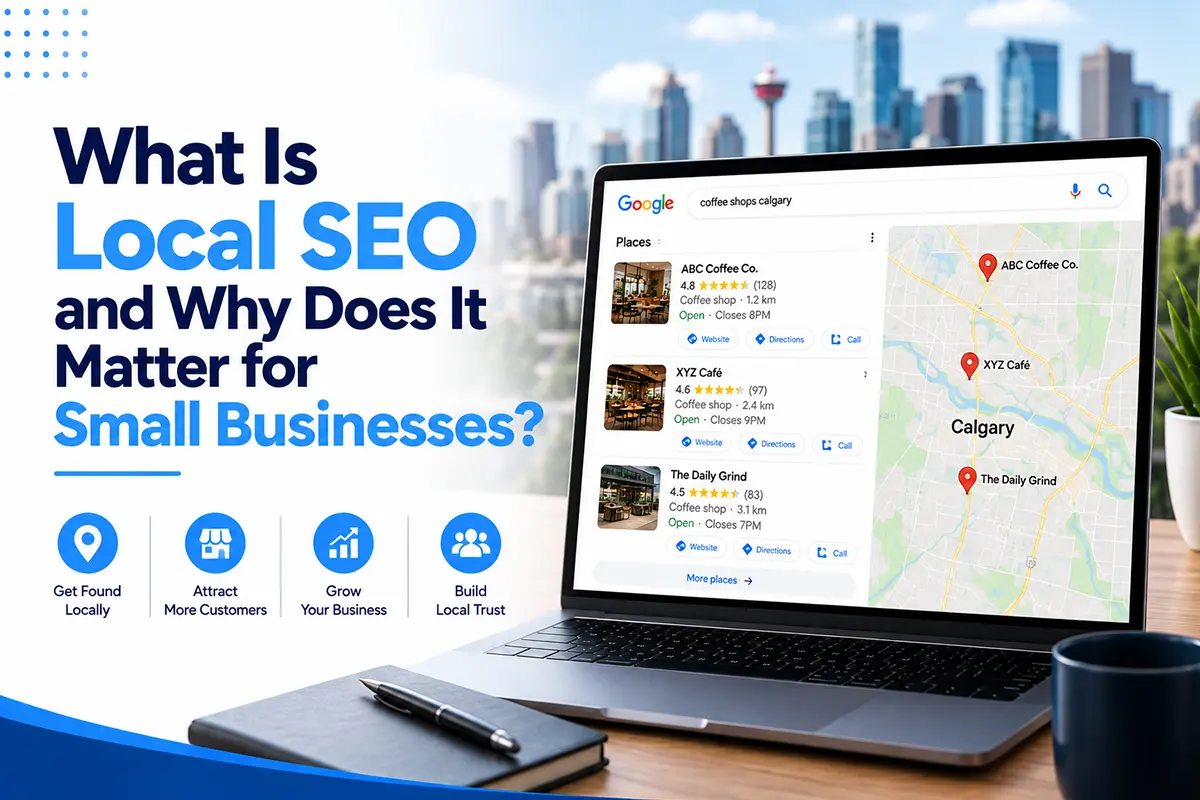
Multi-location local SEO is the work of making each of your branches, shops, clinics or offices easy to find for people nearby. It covers a separate Google Business Profile for each location, a separate page for each location on your website, location-specific reviews, consistent listings across the web and reporting for every location on its own.
It applies to businesses such as dental and medical clinics, auto and detailing shops, restaurants, retail stores, law and accounting offices, and trades companies with more than one branch. It also applies to franchises, where each owner runs a local branch under a shared brand.
The goal is the same as for a single shop. When a nearby customer searches for what you sell, the closest and most relevant branch appears with its own rating, hours, phone number and directions. The difference is scale. Each location competes in its own neighbourhood against its own rivals, and a weakness in one place does not show up in another until you measure each one separately.
How is it different from single-location local SEO?
A single location has one profile, one set of reviews and one market. A multi-location business has many of each, and the main risk is treating them as one. Here is how the two compare.
| Single location | Multi-location | |
|---|---|---|
| Google Business Profiles | One | One per eligible location |
| Website pages | A home page and service pages | Plus a unique page for each location |
| Reviews | One pool | A separate pool for each location |
| Competitors | One set | A different set in each area |
| Tracking | One report | One report per location, plus a total |
| Biggest risk | Neglecting the profile | Copying one location’s setup onto all the rest |
If you need a refresher on the basics first, read what local SEO is and why it matters for small businesses.
How many Google Business Profiles can your business have?
Your business can have one profile for each location that meets Google’s eligibility rules. A location qualifies when it is a real place that customers can visit and that your own staff run during the hours shown on the profile, or when it is the base for a service area business with its own staff and its own service area.
Google’s guidelines describe the rule this way. A service area business that travels to customers is allowed one profile. If you have different locations for your service business, with separate service areas and separate staff at each, you are allowed one profile for each location. Google also says the service area on a profile should not extend farther than about two hours of driving time from where the business is based.
| Business type | What it looks like | Profiles allowed |
|---|---|---|
| Storefront | Customers visit each location, which is staffed during its posted hours | One per location, with the address shown |
| Service area business | Your team travels to customers and you have one base | One, with the address hidden and towns listed |
| Service area business with several bases | Separate staff and separate service areas at each base | One per base, with the address hidden |
| Hybrid | A staffed shop where customers visit, plus travel to customers | One per location, with the address shown and service areas added |
Proximity to another city does not make you eligible for a profile there. A Calgary company that wants to rank in Red Deer cannot create a Red Deer profile with a mailbox or virtual office. Google suspends those listings, and a suspension can take weeks to fix. A real, staffed branch or a base with its own crew is what qualifies you.
How to set up each Google Business Profile
Set up every profile fully and separately. Here is the order we follow.
- Use your real business name. Google’s rules say the name should match how your business appears in the real world, including on signage. Do not add keywords or the city to the name to try to rank. If your actual signed name includes a location, that is fine. Otherwise, leave it out.
- Choose the most specific primary category for that location. Add secondary categories only for services that location really offers. Two branches of the same company can have different categories if they offer different services.
- Use a local phone number. Each location should have its own phone number that rings at that branch. A single head-office number on every profile weakens the local signal and sends customers to the wrong place.
- Set accurate hours, including holiday hours. Check them every quarter and before each long weekend.
- Link to that location’s own page. Point each profile to its own location page, not to the home page. Add a tracking tag to the link so you can measure calls and clicks from each profile in Google Analytics.
- List services with short descriptions. Add only the services that branch offers.
- Add photos from that branch. Show the real storefront, team and work. Shared stock images across locations look copied and add nothing.
- Write a different description for each profile. Mention the neighbourhoods around that location. Do not paste the same text everywhere.
- Verify each profile. Expect video verification for most new listings. Do it from the location itself.
For a full walkthrough of one profile, see our Google Business Profile optimization guide. Our Google Business Profile management service handles the weekly work across every location.
How to build location pages that rank
A good location page is a useful page about one real branch. It tells a customer where the branch is, when it is open, who works there, what it offers and what customers there say. It is the page your Google Business Profile links to, and the page Google uses to confirm the profile’s details.
The mistake to avoid is the doorway page. Google’s spam policies define doorway abuse as pages created to rank for specific, similar search queries, and the examples include pages targeted at specific regions or cities that funnel users to one page, and substantially similar pages that exist mainly to catch searches. Copying one page and swapping the city name falls into that category. Google has no problem with many location pages. It has a problem with many pages that offer nothing different from each other.
Give each location page these elements.
| Element | Why it matters | Example for a Calgary branch |
|---|---|---|
| Name, address and phone number | Matches the profile and confirms the location | The same formatting as the profile, in text and not an image |
| Embedded map and directions | Helps visitors and links the page to the place | Directions from nearby roads and landmarks, with parking notes |
| Hours, including holiday hours | A top reason people check a local page | Weekday and weekend hours, plus long weekend changes |
| Photos of this branch | Proves the location is real | The storefront, the team and recent work, with descriptive alt text |
| Services offered here | Not every branch offers everything | Only the services that location performs |
| Team members | Adds experience and trust | Names, roles and short bios of the people who work there |
| Customer reviews from this location | Local proof | Two or three real reviews with the customer’s first name and the service |
| Neighbourhoods and areas served | Matches how people search | The communities that branch really covers, such as the surrounding quadrants |
| Answers to local questions | Feeds AI answers and search | Parking, access, appointment needs and emergency hours at this branch |
| A clear call to action | Turns visits into calls | A tap-to-call button with that branch’s own number |
Aim for at least 500 to 600 words of useful, specific text on each page. That is a guide for adequate coverage and not a ranking rule, since Google has said word count is not a direct factor. If a location has little to say, add what real customers ask about that branch before you add filler.
Location pages or service area pages?
Use a location page for every branch that has its own profile and address. Use a service area page for a town you serve but have no branch in.
Many Alberta businesses need both. A Calgary company may have one branch and serve Airdrie, Okotoks, Cochrane and Chestermere from it. It gets one location page for the branch, and a separate service area page for each town, with its own examples of work, reviews from customers there, local details and questions. One service area client we worked with reached page one in seven towns after a town-by-town build, which is the difference between one city’s leads and a whole region’s.
Do not create a service area page for a town just to catch searches. If you cannot show real work, reviews or details for that town, wait until you can. A thin page with the town name swapped in is a doorway page.
How to keep business details consistent
Your name, address and phone number, often called NAP, should be written the same way everywhere they appear for each location. That includes your website, your Google Business Profile, Facebook, Apple Maps, Bing Places and the directories people use, such as Yelp Canada, Yellow Pages Canada and industry listings.
With many locations, small differences multiply fast. “Suite 280” on one site and “#280” on another, or an old number left on a directory, adds up across ten branches. Keep one master spreadsheet with the exact name, address, phone number, hours, website link and categories for each location, and use it for every listing and every update. If a branch moves, closes or changes its hours, update the spreadsheet first and then every listing.
If you use call tracking numbers, set them up carefully. The number shown on a profile, a location page and your listings should stay consistent, and your main branch number should remain listed. Ask whoever sets up tracking to check this before the numbers go live.
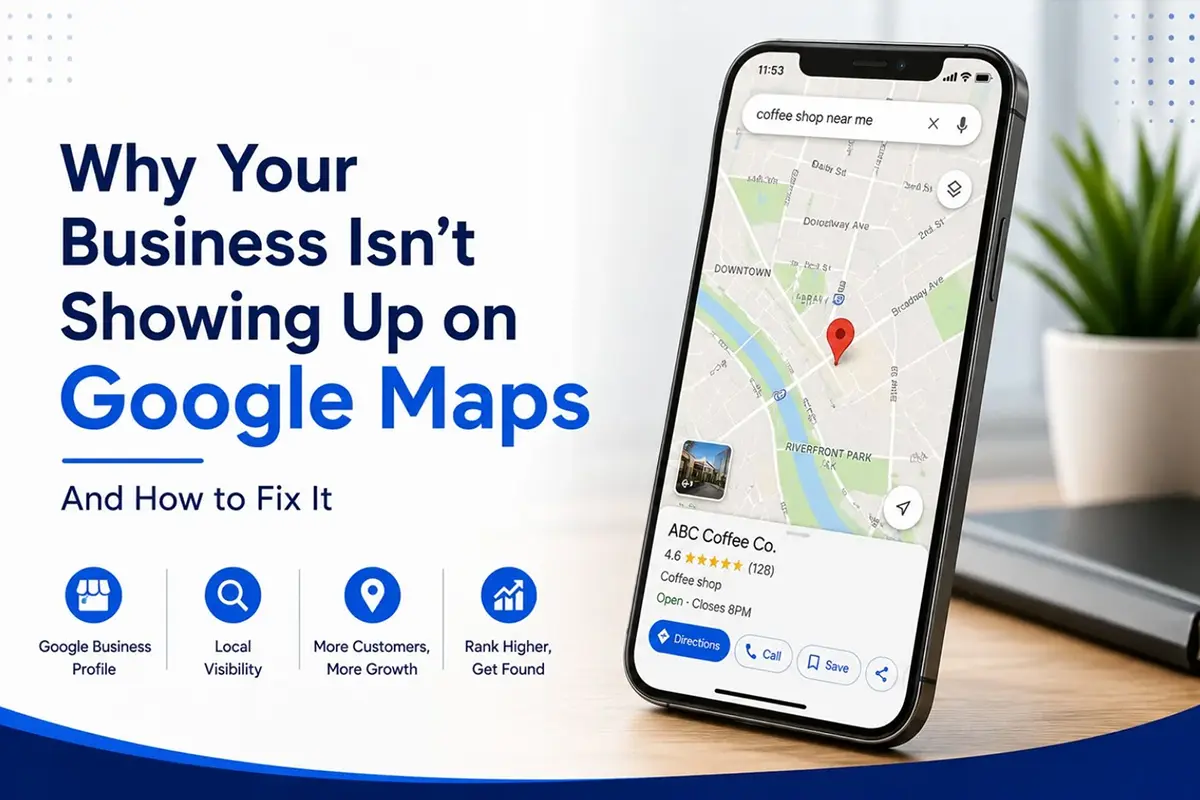
If a location is missing from Google Maps, our checklist on why your business isn’t showing up on Google Maps covers the usual causes.
How to manage reviews for each location
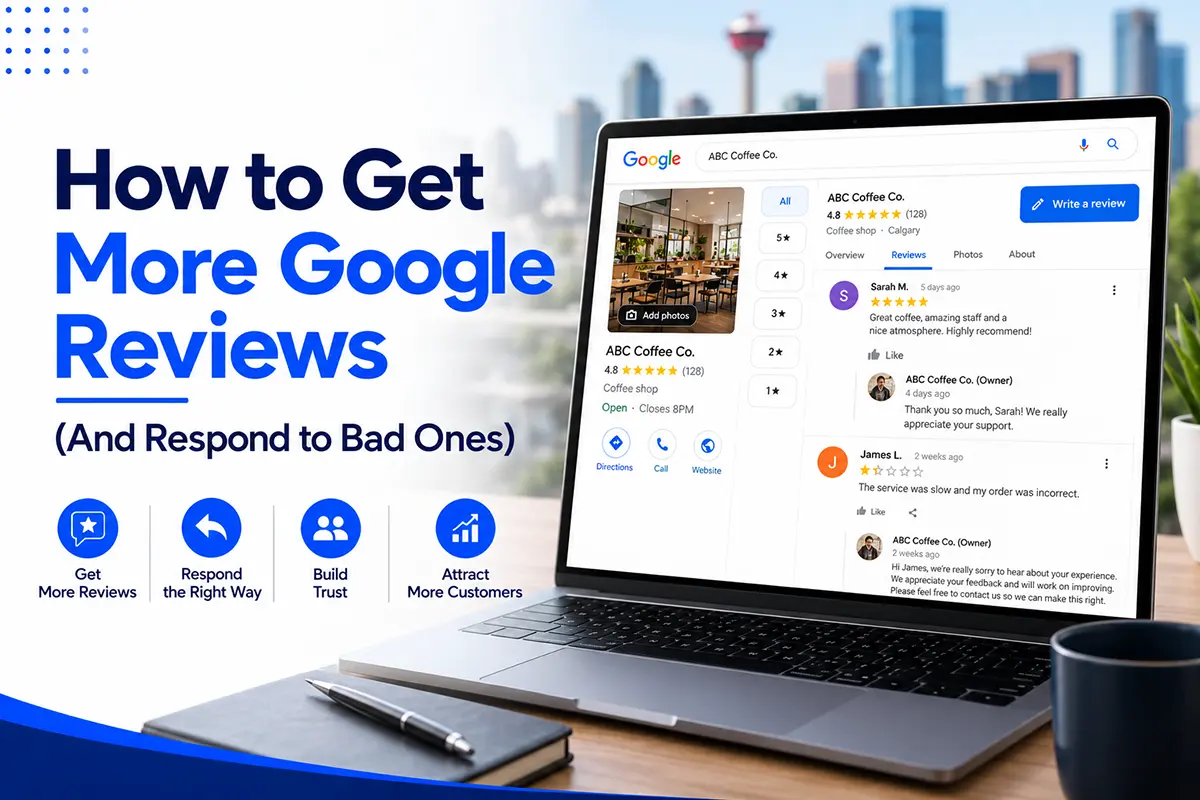
Reviews are collected, ranked and read one location at a time, so each branch needs its own flow. BrightLocal’s 2026 Local Consumer Review Survey found that 97% of consumers read reviews for local businesses and that 41% always read them before choosing. A branch with a low rating or old reviews loses customers even when the rest of the brand is strong.
What works for multi-location review management:
- Give each location its own review link. A customer should land on the review box for the branch they visited.
- Send the same neutral request to every customer after the visit. Do not filter customers by satisfaction, offer rewards or ask them to mention a staff member. Google enforces these rules, and reviews that break them can be removed.
- Reply to every review within two days. Mention the service and the area, as the person who runs that branch would.
- Report the numbers per location. Track review count, average rating, and new reviews per month for each branch, so you can see which one needs attention.
- Follow Canadian anti-spam law. If you text or email customers to ask for reviews, you need consent and a working way to opt out.
Our guide on getting more Google reviews covers the rules and the process in detail.
How to build local links for each location
Each location builds prominence from its own community. Links and mentions from local sources show Google that a branch is real and known where it operates. Good local sources include:
- Chambers of commerce and business improvement areas in that part of the city or town
- Local sports teams, schools and community events that the branch sponsors
- Local news and community newsletters
- Suppliers, manufacturers and trade associations that list local dealers or members
- Local charities and fundraisers the branch supports
Link to the branch’s own location page whenever you can, and not to the home page. This takes time and cannot be bought. Avoid bulk link packages, which can lead to penalties.
How to structure your website
Keep the site simple and easy to browse. A clear structure helps visitors and gives search engines a clean path to every location.
- A locations hub page at /locations/ that lists every branch with its address, hours and a link.
- A page for each location at a clean URL, such as /locations/calgary-southeast/ or /locations/edmonton-south/.
- Service pages that apply to every location, written once and linked from each location page.
- Service area pages for towns you serve without a branch, linked from the nearest location page.
- Links from each location page to the services that branch offers, and from each service page back to the locations that provide it.
- Your name, address and phone number for the nearest branch in the footer or on the page, in text.
Do not use separate websites or subdomains for each city. Google lists multiple domains aimed at specific cities among its doorway abuse examples, and splitting your authority across many small sites makes every one weaker.
Structured data for each location
Structured data tells search engines exactly what a page is about. For each location page, add LocalBusiness markup with the branch’s own name, address, phone number, hours, map coordinates and a link to its Google Business Profile. Give each location its own identifier and connect all of them to your main Organization. Part 2 of this file has a template you can copy.
This does not guarantee a higher ranking. It removes guesswork, and it keeps each branch’s details clear and consistent for search engines and AI tools.
How to track each location
You can only manage what you measure, and totals hide problems. Track each location on its own.
| What to track | Where to find it | What it tells you |
|---|---|---|
| Calls | Call tracking and Google Business Profile | Which branches bring in phone leads |
| Direction requests | Google Business Profile performance | Who is planning to visit |
| Website clicks | Google Business Profile and Analytics | Interest in the branch’s page |
| Form submissions and bookings | Analytics and your booking system | Leads by branch |
| Map rankings | A geo-grid rank report | Which neighbourhoods you win and lose |
| Review count, rating and new reviews | Google Business Profile | Prominence and customer sentiment |
| Cost per booked job or patient | Your CRM plus tracking | Where to spend more or less |
A geo-grid report checks your ranking from a grid of points across each branch’s area. It matters because Google shows different results depending on where the searcher stands, so a branch can rank first at its own door and not at all five kilometres away. One auto detailing client with three shops now sees calls, directions and cost for each shop on one monthly report, so budget moves to the shop that is filling bays.
Local SEO across Calgary and Alberta
Alberta’s cities are far apart, which helps you. Calgary and Edmonton are roughly three hours apart by road, so each is its own market, with its own competitors, its own searches and its own profile. Here is how to think about each area.
Calgary. The city is large, and results change with the searcher’s position. A branch in the northeast and a branch in the southwest compete against different businesses, even for the same search. Set up separate profiles for branches in different parts of the city, and write each location page around the real neighbourhoods and roads around that branch. Surrounding towns such as Airdrie, Cochrane, Okotoks and Chestermere are each a separate market. A branch in the city struggles to appear in the map in a town 30 minutes away, so those towns usually need their own service area pages, or their own branch if you have one.
Edmonton and area. Edmonton works the same way, with suburbs such as St. Albert, Sherwood Park, Leduc and Spruce Grove. If you run a branch in the metro area, treat it as its own location with its own reviews, rather than an extension of the Calgary branch.
Red Deer, Lethbridge, Medicine Hat and Grande Prairie. Smaller cities often have less competition, so a well-built profile and location page can reach the top results faster. Check how many reviews the top three businesses have, since that is your target.
Seasonal swings. Alberta demand moves in waves. A hailstorm can send a flood of searches to auto, glass and roofing businesses in one part of Calgary within days, and the shops that are already ranking get the calls. Plan hours, photos and service lists before the season starts, since you cannot build visibility in the week everyone needs you.
Saskatchewan and beyond. If you operate in Regina or Saskatoon as well, each branch follows the same rules and needs its own profile, page and reviews.
Our guide on how to rank in Google’s map pack in Calgary explains how distance and prominence work in a large city.
Does multi-location SEO help in AI Overviews and ChatGPT?
Yes. AI tools answer local questions using your Google Business Profile, your reviews, your website and your listings elsewhere. BrightLocal’s 2026 survey found that AI tools such as ChatGPT have moved into third place for local business recommendations, behind Google and Facebook.
For a multi-location business, the risk is that an AI tool mixes up your branches. Someone asks whether you are open on Saturday in Airdrie and gets the hours of your Calgary branch. These steps reduce that risk:
- Give each location its own page with its own hours, address and phone number in plain text.
- Keep every listing identical for that branch.
- Answer common questions on each location page, such as parking, appointments, emergency hours and services.
- Reply to reviews with the service and the location named.
Google’s guidance for site owners says there is no special file or markup needed to appear in its AI features, and that normal SEO practice applies. In other words, the same work that ranks each branch also helps it get named correctly.
How long does it take?
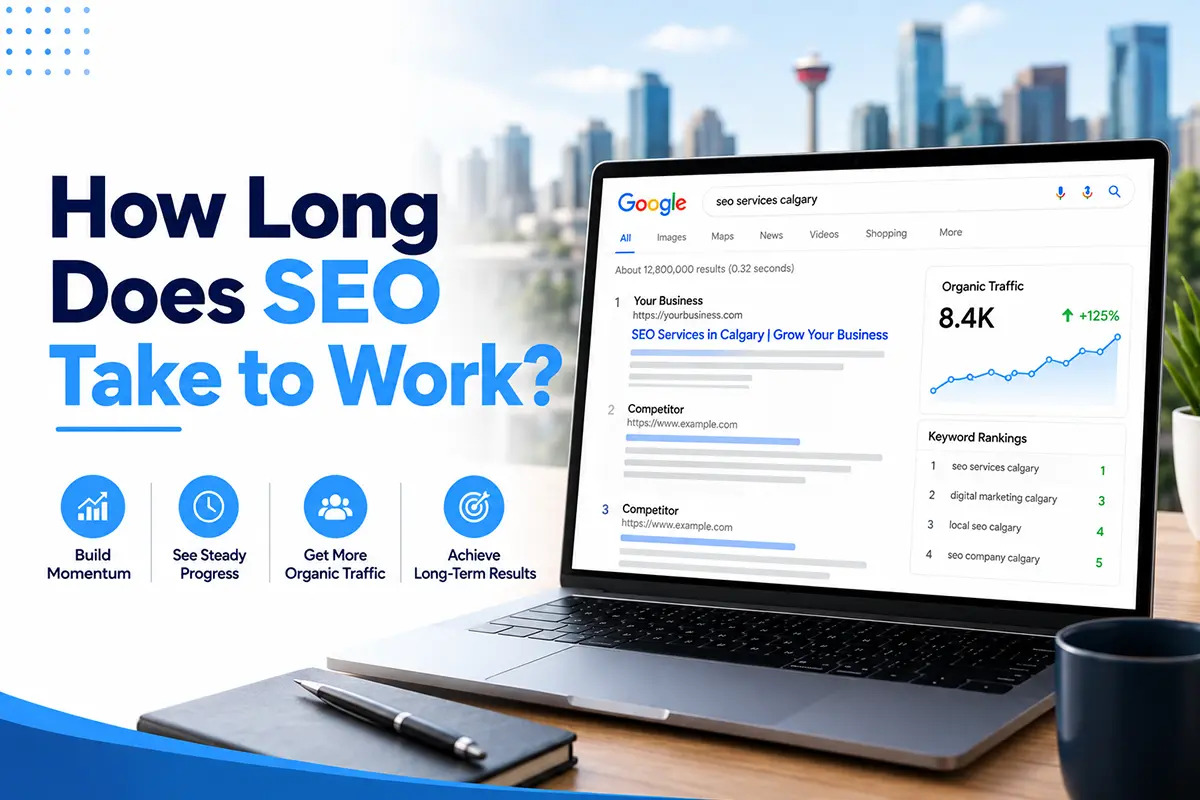
A new or fixed Google Business Profile usually shows movement in 2 to 4 weeks for category and detail fixes, and more calls from the map in months 2 to 3 as reviews and activity build. Location pages and service area pages take longer. Expect first movement in website rankings around week 6 and a clear change in leads around month 3.
Rolling out many locations at once takes more time at the start, because every profile must be verified and every page written properly. Most businesses do best by launching in waves, starting with the busiest branches. See our full guide on how long SEO takes to work.
How much does it cost?
Cost depends on the number of locations, how competitive each area is and how many pages need to be built. ClickSync’s Scale plan, at $2,495 a month, includes multi-location SEO, a 30-page website, four blog posts a month, technical SEO, content and backlinks, and lead tracking. Larger networks are quoted under our Enterprise plan. There are no setup fees and no contract. You cancel with 30 days notice, and your website, profiles and accounts stay in your name. See every plan on our pricing page.
Common multi-location SEO mistakes
- Copying one location page and changing the city name. This is the classic doorway page.
- Creating profiles for towns where you have no branch. Virtual offices and mailboxes get suspended.
- Adding the city or keywords to the business name. It breaks Google’s rules and can get a profile suspended.
- Using one head-office phone number on every profile. It weakens the local signal and sends customers to the wrong place.
- Pointing every profile to the home page. Each profile should link to its own location page.
- Pasting the same description and photos on every profile. Each branch needs its own.
- Letting one manager reply to reviews for every branch in the same voice. Replies should name the branch and the service.
- Reporting only the total. A strong branch can hide a weak one.
- Ignoring closed or moved locations. Mark closed branches as closed on Google, and update the address properly when a branch moves, so reviews and history carry over.
- Building separate websites for each city. This splits your authority and risks doorway abuse.
A checklist to get started
- List every location and confirm each one meets Google’s eligibility rules.
- Build a master sheet with the name, address, phone number, hours, categories and website link for each branch.
- Claim and verify a profile for each eligible location.
- Set the primary category, services, hours and a local phone number on each profile.
- Create a unique location page for each branch with the elements in the table above.
- Link each profile to its own location page, with a tracking tag.
- Add LocalBusiness schema to each location page.
- Fix every directory listing to match the master sheet.
- Give each branch its own review link and a plan to ask every customer.
- Set up call, form and direction tracking by location, and a monthly report for each.
- Add service area pages only where you have real work and reviews to show.
If that list feels like a lot across several branches, our free audit shows where each location stands and which three fixes to make first.
Frequently asked questions
What is multi-location SEO?
Multi-location SEO is local SEO for a business with more than one branch. It gives each location its own Google Business Profile, website page, reviews, listings and tracking, so each one can rank in its own area while the brand stays consistent.
Can I have more than one Google Business Profile for my business?
Yes, if each profile represents a real location that meets Google’s rules. A staffed storefront qualifies. A service area business can have one profile for each base that has its own staff and service area. You cannot create extra profiles for towns where you have no branch.
Can a service area business rank in more than one city?
Yes, but only in the areas close to a real base. Google says a service area should not extend more than about two hours of driving time from where the business is based. For towns around your base, build service area pages and collect reviews from customers there. For a city far away, you need a staffed branch or base there.
How many location pages do I need?
You need one page for each branch with its own profile. Add service area pages only for towns where you serve customers and can show real work, reviews and details. Quality matters more than number.
Are location pages doorway pages?
Not when each page offers something real and different. Doorway pages are created mainly to catch similar searches and add little value. A location page with its own address, hours, team, photos, services and reviews is a legitimate page.
Should each location have its own phone number?
Yes. A local number that rings at that branch strengthens the local signal and gets customers to the right place. If you use call tracking, set it up so the numbers on your profiles, pages and listings stay consistent.
Should each location have its own website?
No. Keep one website with a page for each location. Separate sites split your authority and can fall under Google’s doorway abuse policy.
How do I manage reviews across many locations?
Give each branch its own review link, send the same neutral request to every customer, reply to each review within two days and report review numbers by location. Follow Google’s review rules and Canadian anti-spam law.
How much does multi-location SEO cost in Calgary?
It depends on the number of locations and how competitive each area is. ClickSync’s Scale plan, which includes multi-location SEO, is $2,495 a month. Larger networks are quoted on request.
Want to know where each of your locations stands?
ClickSync Marketing offers a free audit. We look at each Google Business Profile, your location pages and your call tracking, then send you the three fixes we would make first. You keep the audit whether or not you hire us. Book a free strategy session or call 403 498 9875. You can also read about our SEO services in Calgary.